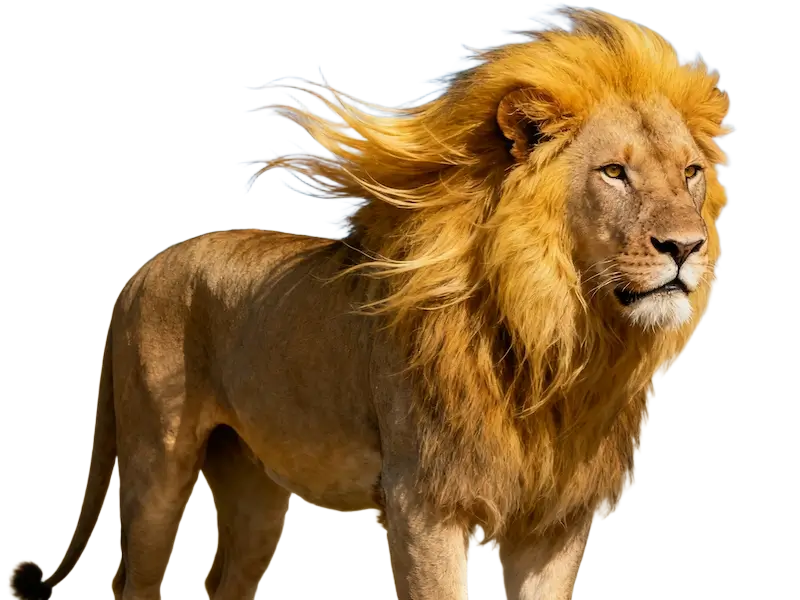
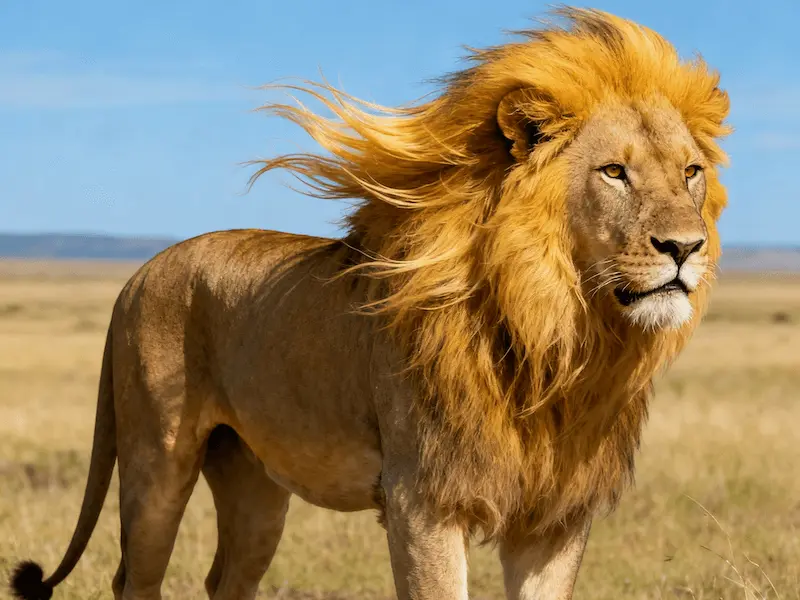
An online object eraser and AI photo cleanup tool: paint over unwanted objects, people, or backgrounds and let jpgRM rebuild the detail.
Select an image
Use jpgRM for practical edits such as removing a passerby, cleaning a product photo, or tidying a busy background. Mark the area with a brush, review the result, and download the version that works for your image.
Demo
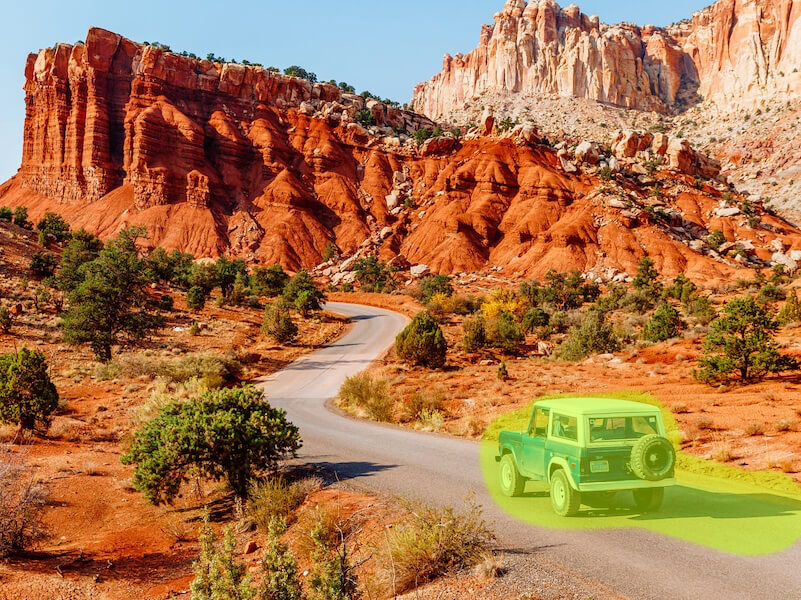
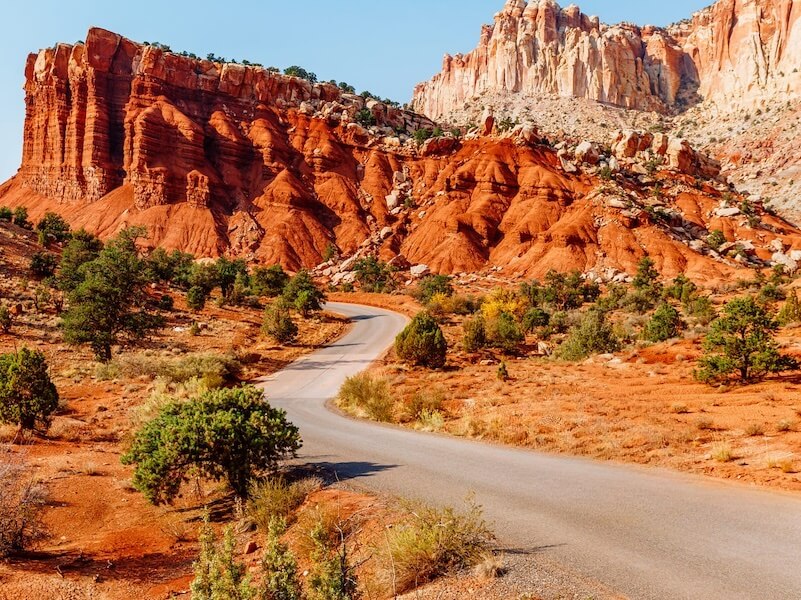
Remove an unwanted object from a landscape photo
Clean up a product photo
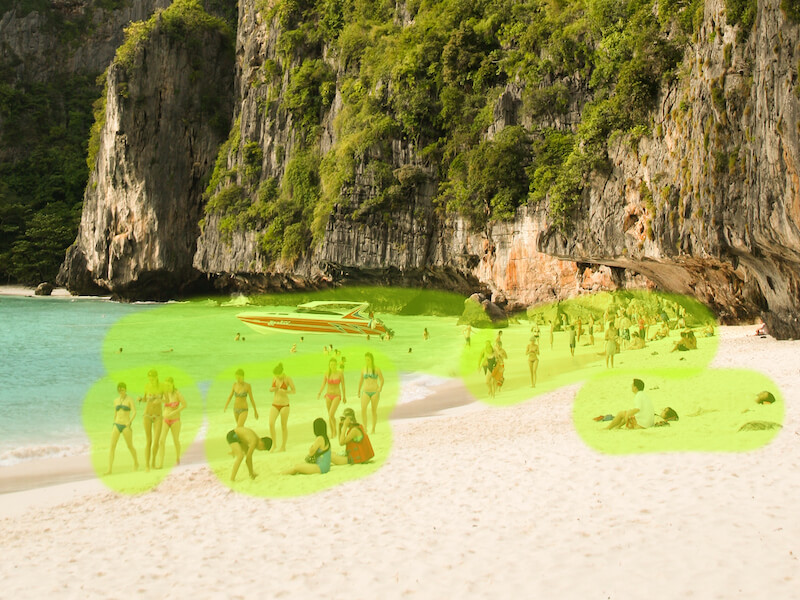
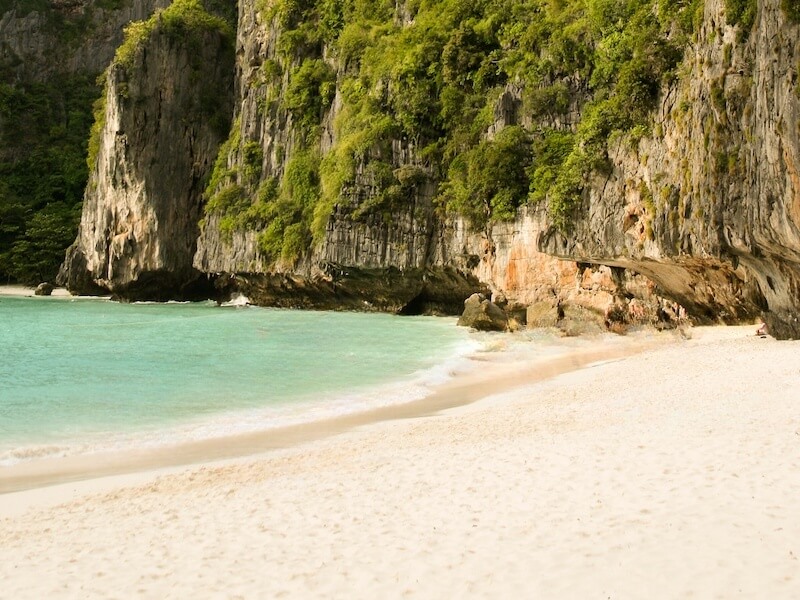
Remove people from a crowded background
Remove a background
Advertisement
FAQ
jpgRM is an online image cleanup tool for removing unwanted objects and backgrounds. Mark an area with the brush, and the service returns an edited image.
jpgRM uses AI inpainting technology to analyze the surrounding pixels and reconstruct the area after the selected object is removed.
Paint over the whole object, including its edges and shadow when appropriate. For complex areas, work in smaller sections and make another pass if needed.
Yes. jpgRM works in a modern mobile browser, including touch-based brushing and navigation controls.
The selected file stays in your browser until you start processing. When you submit it, the image and edit mask are sent to the processing endpoint and the result is returned to your browser. jpgRM does not provide a public image gallery or image history.
Processing time depends on image dimensions and current server load. Larger images usually take longer.
The free plan limits downloaded image size to 720px. VIP raises the available size limit to 4000px on the current service and helps cover GPU processing costs.
Yes. The before-and-after examples on this page were processed with jpgRM.